AI for Accounting Firms in Canada: Practical Automations for Tax Season and Beyond
Key takeaways
- Start with document intake: classifying uploads and chasing missing slips saves the most time in tax season.
- A client portal with automated reminders reduces back-and-forth email.
- Bookkeeping automation suggests categories and flags anomalies; accountants still review and sign off.
- Client confidentiality comes first: choose AI providers that don't train on your data, and restrict access by role.
Tax season compresses months of work into a few weeks. Most of the strain isn't the accounting itself; it's the administration around it: missing slips, unclear uploads, repeated status emails and late-night categorizing. That's exactly where AI helps an accounting firm most.
1. Document intake and classification
Clients send documents in every format: photos of receipts, PDFs of T4s and T5s, bank statements and forwarded emails. AI document intake can:
- Classify each upload by type and tax year
- Extract key fields such as employer, amounts and account numbers
- Match documents to the right client file
- Flag anything unreadable or out of place for staff review
This is usually the biggest time saver because the volume is huge and the rules are clear.
2. Missing-document chasing through a client portal
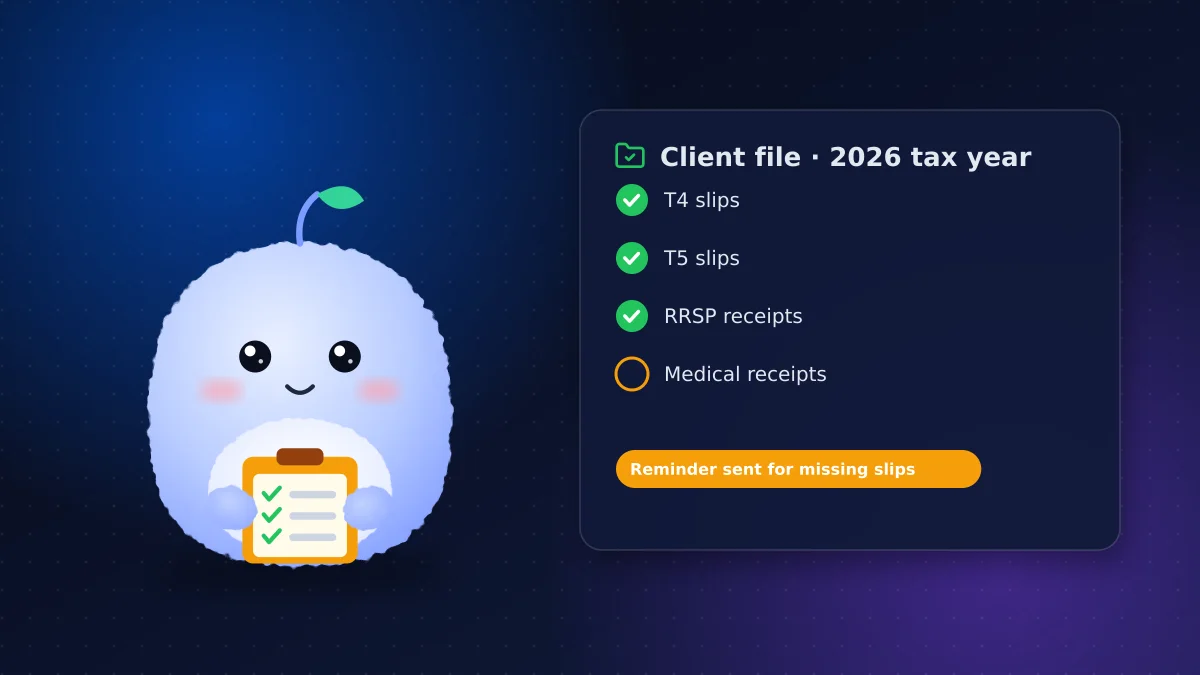
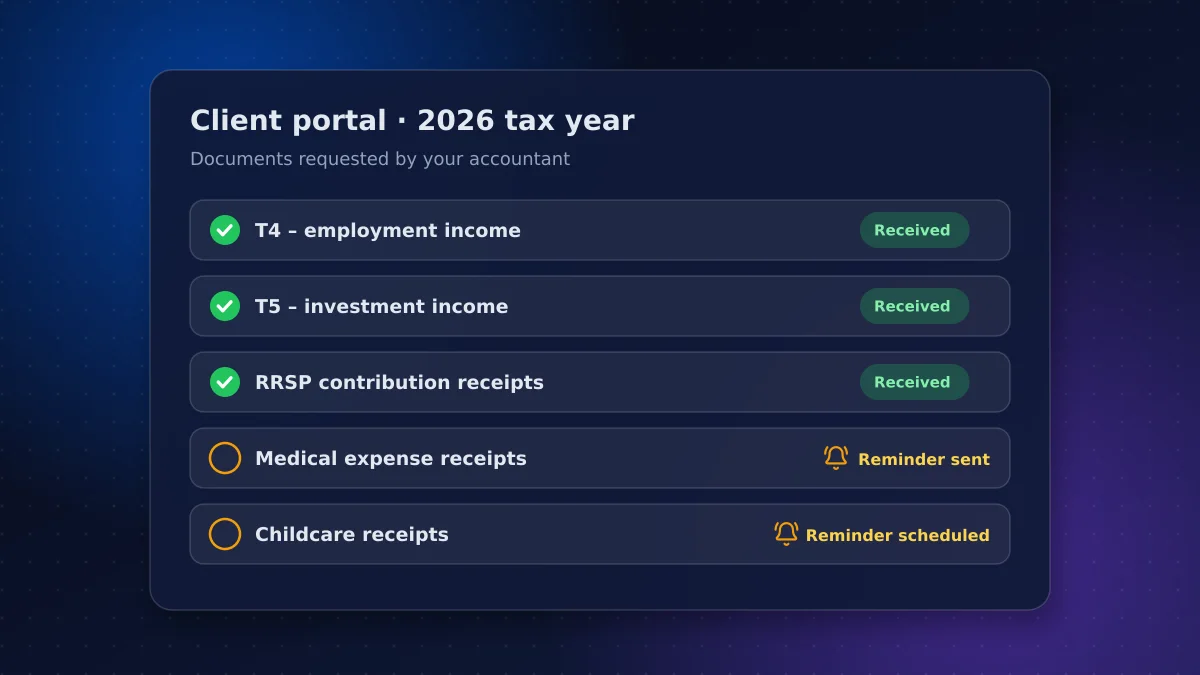
Every engagement has a checklist. A client portal that knows the checklist can send automatic reminders for missing items, by email or text, until everything arrives. Clients see what's outstanding, staff stop writing chase emails, and files are ready for review sooner.
3. Answering status and process questions
"Have you received my documents?" and "When will my return be filed?" are the most common emails in tax season. An assistant connected to your practice-management system can answer them instantly, along with process questions such as deadlines and payment options. Anything involving advice goes to an accountant.
4. Bookkeeping automation
For bookkeeping clients, AI can suggest categories for transactions, learn each client's patterns, flag duplicates and highlight unusual entries. Bookkeeping automation speeds up the work, but an accountant should review and sign off; the goal is fewer keystrokes, not less judgment.
5. Drafting routine correspondence
AI can draft engagement letter updates, document request emails and summaries of meetings for an accountant to edit. Keep a human in the loop for anything sent to a client or the CRA.
6. An internal knowledge assistant
Firms accumulate procedures, checklists and precedent files. An internal assistant that answers staff questions from your own documents, citing the source, helps juniors and seasonal staff get up to speed faster during tax season.
Client confidentiality comes first
Client confidentiality is a professional obligation for CPAs, not just a privacy preference, and financial records are among the most sensitive data a business holds. Canada's privacy regulators set out principles for responsible generative AI that map well to an accounting practice:
- Limit what you share: only send AI tools the data a task requires
- Choose providers that don't train on your data and offer Canadian hosting where possible
- Restrict access by role and keep audit logs
- Be transparent with clients about how AI is used in your practice
- Keep humans accountable for every return, statement and piece of advice
Our guide to AI chatbot compliance in Canada covers the privacy rules in more detail.
Train your team, not just the tools
Tools only save time if staff trust them. Show the team how the AI reaches its suggestions, where it's likely to be wrong and how to correct it. Agree on clear rules, such as "never paste client data into a public chatbot," and appoint one person to collect feedback and adjust the setup during the first season.
Timing the rollout around tax season
The worst time to launch new tools is March. Plan pilots for the quieter months, test them on a small group of clients, and have them running smoothly before the April 30 personal filing deadline approaches. Self-employed clients file by June 15, which extends the busy period. A fall or early-winter rollout gives staff time to learn the tools.
Off-the-shelf tools or a custom build?
Many practice-management and bookkeeping platforms now include AI features, and they're often the right place to start. A custom build makes sense when you need to connect several systems, follow your firm's own workflows, or apply stricter controls over where client data goes than your current tools allow. A sensible approach is to use built-in features first, then automate the gaps between your systems.
How to start
- Pick one bottleneck, usually document intake or reminders
- Measure today's baseline: hours per return spent on admin
- Pilot with a handful of clients for one season
- Review accuracy weekly and adjust
- Expand only when staff trust the results
What a pilot looks like in practice
A typical document-intake pilot runs for one season with 20 to 50 clients:
- Clients upload documents to a portal as usual
- AI classifies each upload, extracts key fields and flags gaps
- Staff review every classification during the pilot and correct errors
- Automated reminders chase missing slips on a set schedule
- At the end, you compare admin hours per return, turnaround time and error rates with the previous season
Questions to ask an AI vendor
- Where is client data stored and processed?
- Is our data used to train your models?
- Can we control retention and delete data on request?
- Which of our systems will it connect to, and with what permissions?
- How are errors flagged for human review?
- What happens to our data if we stop using the service?
Clear answers to these questions should come before any demo of features.
Measuring success
Track hours of administrative work per return, the number of reminder emails staff send manually, average time from first upload to file-ready, and classification accuracy. If accuracy stays high and admin hours fall, expand the pilot to more clients and services.
Conclusion: automate the admin, keep the judgment
AI for accounting firms works best on the administrative work that piles up every tax season: intake, reminders, status questions and first-pass categorizing. Built with client confidentiality in mind and with accountants reviewing every output, it frees your team to spend more time on review and advice, which is the work clients value.
We build secure AI agents and automations for professional services firms across Canada. Tell us where tax season hurts most and we'll propose a pilot you can have running before the next one.
Frequently asked questions
How can accounting firms use AI?
The most practical uses are document intake and classification, automated reminders for missing documents, answering status questions, bookkeeping categorization, drafting routine correspondence and internal knowledge search. Accountants still review all outputs.
Is it safe to use AI with client financial data?
It can be, with the right safeguards: providers that don't train on your data, Canadian hosting where available, role-based access, audit logs and sharing only the data each task needs. Confidentiality obligations still apply.
Will AI replace accountants?
No. AI removes administrative work such as sorting documents and chasing slips, but professional judgment, review and advice remain with accountants, who stay accountable for every return.
When should an accounting firm roll out AI tools?
Outside tax season. Pilot in the fall or early winter with a small group of clients, so the tools are tested and staff are trained before the April 30 personal filing deadline.
Vaibhav Malhotra
Founder, VMR Technologies
Vaibhav Malhotra is the founder of VMR Technologies, where he leads the team building custom websites, e-commerce platforms, and AI solutions for businesses across the Greater Toronto Area and beyond. He writes about practical software and AI strategy for non-technical decision-makers — focused on what actually drives results rather than hype.