Website Maintenance Cost in Canada: What to Budget in 2026
Key takeaways
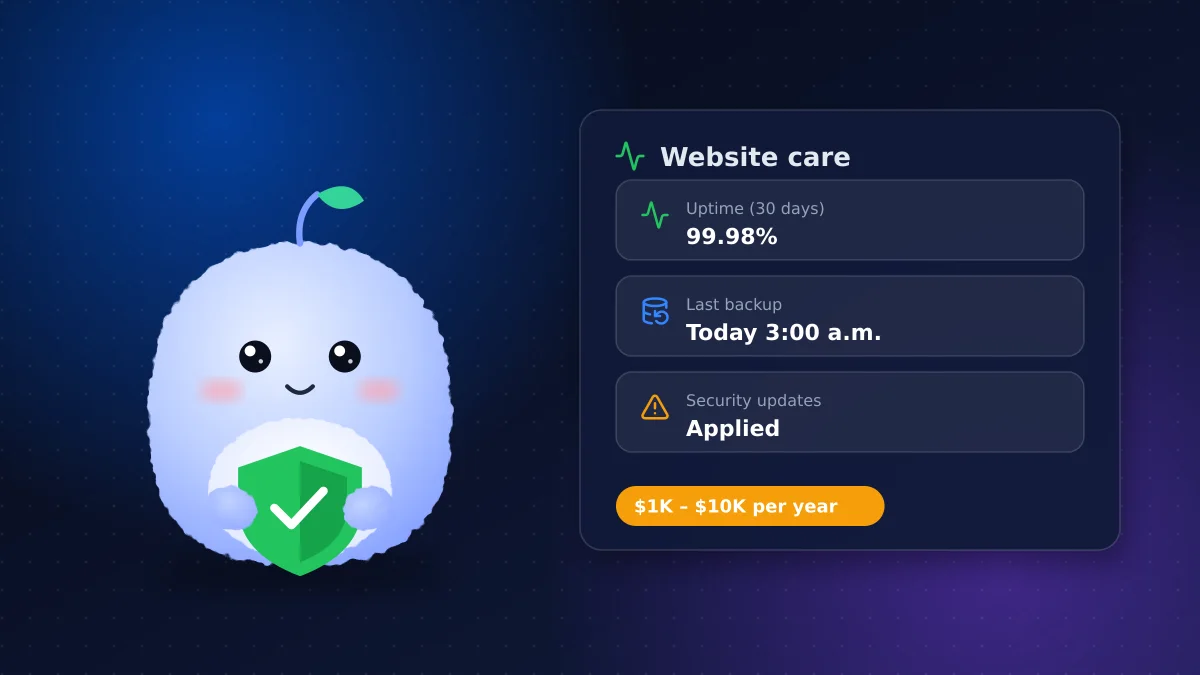
- Budget $1,000–$10,000 a year for a typical business website; e-commerce and custom applications cost more.
- Plugin-heavy WordPress sites usually cost more to maintain than modern static or headless builds.
- Security updates, backups and uptime monitoring are non-negotiable; skipping them is how sites get hacked.
- A monthly website care plan suits businesses that update often; a bank of hours suits those that don't.
Most businesses budget carefully for a new website and then forget it needs looking after. A site that isn't maintained gets slower, breaks quietly and eventually becomes a security risk. Here's what ongoing care really costs in Canada, and how to keep it under control.
What website maintenance actually covers
Maintenance is a bundle of small, recurring jobs:
- Hosting and the infrastructure that keeps the site online
- Domain renewal and DNS management
- Security updates for the CMS, plugins, themes and server software
- Backups with tested restores
- Uptime monitoring so outages are caught in minutes, not days
- Content changes such as new team members, prices or blog posts
- Performance and SEO checks to keep the site fast and indexable
Typical costs by line item
| Item | Typical annual cost | Notes |
|---|---|---|
| Domain (.ca or .com) | $15–$40 | More for premium names |
| SSL certificate | Often $0 | Included with most modern hosting |
| Website hosting | $120–$1,800 | Shared hosting at the low end, managed or cloud hosting higher |
| Premium plugins and licences | $0–$1,000+ | Mostly a WordPress cost |
| Security updates and backups | $500–$3,000 | Depends on how many components need patching |
| Content changes and support | $500–$5,000+ | Driven by how often you update |
Add these up and most small and mid-sized business sites land between $1,000 and $10,000 a year. E-commerce stores, membership sites and custom web applications sit above that range because they have more moving parts.
Why the build decides the maintenance bill
Two sites that look identical can have very different running costs. The biggest factor is how many third-party components need updating.
A WordPress site with 30 plugins needs regular attention, because each plugin is updated on its own schedule and any of them can conflict with another or open a security hole. A modern site built on a framework and deployed to managed hosting has far fewer moving parts. Often there's no database or plugin layer exposed to the public at all.
That's why our guide to custom website costs recommends weighing running costs alongside the build price.
WordPress maintenance: what to expect
WordPress maintenance deserves its own section because WordPress powers so many small-business sites. A responsible routine includes:
- Weekly plugin, theme and core updates, tested on staging first for important sites
- Daily backups stored off the server
- A security plugin or firewall plus login protection
- Removing plugins you don't use
- Quarterly checks of forms, checkout and key pages
Skipping this work doesn't save money; it defers it to a much more expensive clean-up after a hack.
Security updates are not optional
The Canadian Centre for Cyber Security's baseline controls for small and medium organizations put patching, backups and strong authentication near the top of the list for good reason. Most website compromises exploit known vulnerabilities in software that simply wasn't updated. Turn on multi-factor authentication for every admin account, and remove accounts for people who no longer need access.
Uptime monitoring and backups
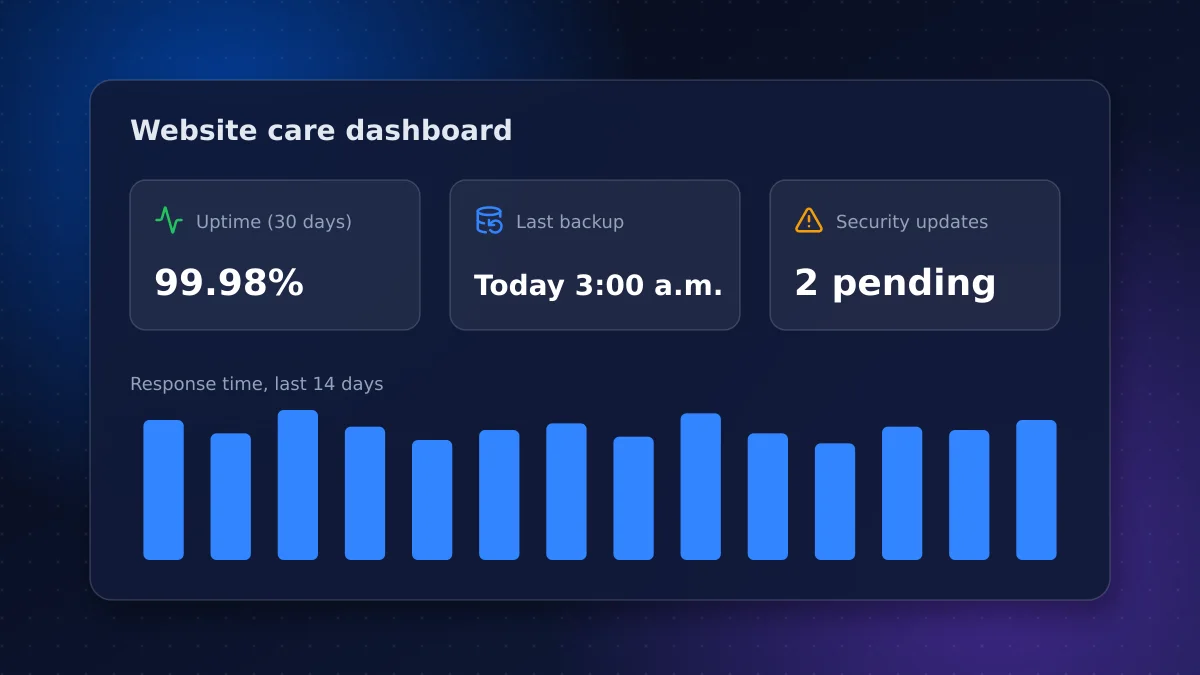
Uptime monitoring checks your site every few minutes and alerts you when it goes down. It's inexpensive and often included in care plans. Backups matter only if you can restore them, so ask your provider when they last tested a full restore.
Maintenance for e-commerce sites
Online stores need more attention than brochure sites. Payment integrations, inventory sync, shipping rules and apps all change over time, and a broken checkout costs money by the hour. Budget for regular checkout testing, app reviews, platform updates and closer monitoring before peak seasons. Hosted platforms such as Shopify handle the server and core software, but your theme, apps and integrations still need care.
Choosing a website care plan
You can handle maintenance in-house, pay as you go, or sign up for a website care plan:
- Monthly care plan: predictable cost, proactive updates, monitoring and a set amount of content changes. Best if you update the site often.
- Bank of hours: you buy time in advance and use it as needed. Best for sites that rarely change.
- In-house: workable for simple sites if someone owns the routine. Risky if updates fall through the cracks.
Whatever you choose, get the scope in writing: what's included, response times for urgent problems, and how extra work is billed.
Signs your site isn't being maintained
- The CMS or plugins show pending updates that are months old
- Forms send nothing, or submissions land in spam
- Pages load noticeably slower than they used to
- The copyright year, team or prices are out of date
- Nobody can say when the last backup was taken
- Your hosting provider has emailed about outdated software
Any one of these is a prompt to schedule a health check.
Questions to ask a maintenance provider
- What exactly is included each month, and what is billed extra?
- How often are updates applied, and are they tested first?
- Where are backups stored, and when was a restore last tested?
- How quickly do you respond to an outage or security incident?
- Who has admin access, and is multi-factor authentication enforced?
- Will we keep full ownership of the site, hosting and domain if we leave?
How to lower your maintenance cost
- Remove unused plugins, themes and integrations
- Choose managed hosting that handles server updates for you
- Consolidate small content changes into monthly batches
- Train one team member to make routine edits safely
- When you rebuild, choose an architecture with fewer moving parts
Conclusion: budget for care, not just the build
The website maintenance cost in Canada for most business sites is modest compared with the cost of a hacked, slow or broken site. Budget for hosting, security updates, backups and monitoring every year, and pick a build that keeps those costs predictable.
Our business website team offers care plans for the sites we build and for sites we inherit. If you'd like a maintenance quote or a health check of your current site, get in touch.
Frequently asked questions
How much does website maintenance cost per year in Canada?
Most small and mid-sized business websites cost $1,000–$10,000 a year to maintain, covering hosting, domain renewal, security updates, backups and content changes. E-commerce and custom applications usually cost more.
Why is WordPress maintenance more expensive?
Each plugin and theme is updated separately and can introduce conflicts or security holes, so WordPress sites need frequent updates and testing. Sites with many plugins cost the most to maintain.
Do I need a website care plan?
A monthly care plan suits businesses that update their site often or rely on it for sales. If your site rarely changes, a bank of hours plus automated updates, backups and monitoring may be enough.
What happens if I don't maintain my website?
Unmaintained sites become slower, develop broken features and are far more likely to be hacked through known vulnerabilities. A clean-up after a hack usually costs more than years of routine maintenance.
Vaibhav Malhotra
Founder, VMR Technologies
Vaibhav Malhotra is the founder of VMR Technologies, where he leads the team building custom websites, e-commerce platforms, and AI solutions for businesses across the Greater Toronto Area and beyond. He writes about practical software and AI strategy for non-technical decision-makers — focused on what actually drives results rather than hype.